Why I built my own smart home
“Building a smart home from scratch”
Where it started: four ecosystems, four islands
I had two hubs at home — an IKEA Dirigera and an Apple HomePod — and each works beautifully inside its own ecosystem. The problem is the wall between them. You can’t add an IKEA plug directly to Apple Home. A Matter device won’t pair in the IKEA app. The HomePod can’t see half of what Dirigera sees, and vice versa. And then there’s an air conditioner on Tuya, with its own app.
Four islands, and each one does exactly what its vendor allows.
Home Assistant connects everything — but you pay in more than money
There is a system that can connect these islands: Home Assistant. It supports practically every common smart-home protocol. It’s how I automated the AC for the summer, for instance: it switches on from an IKEA temperature sensor. None of Dirigera, Apple Home, or the AC’s own app can do that on its own. Home Assistant’s strength is its universality.
The one automation none of the apps could do on its own: an IKEA sensor switching on a Tuya AC — bridged by Home Assistant.
But you pay for it, and not only in money. A Raspberry Pi 5 with 4 GB of RAM now runs €130–140. The market has gone a little mad: a memory shortage has pushed prices up again, and this is no longer the cheap single-board computer the Raspberry Pi was meant to be. And what runs on it is a Python application that, for my needs, would be perfectly happy on far weaker hardware.
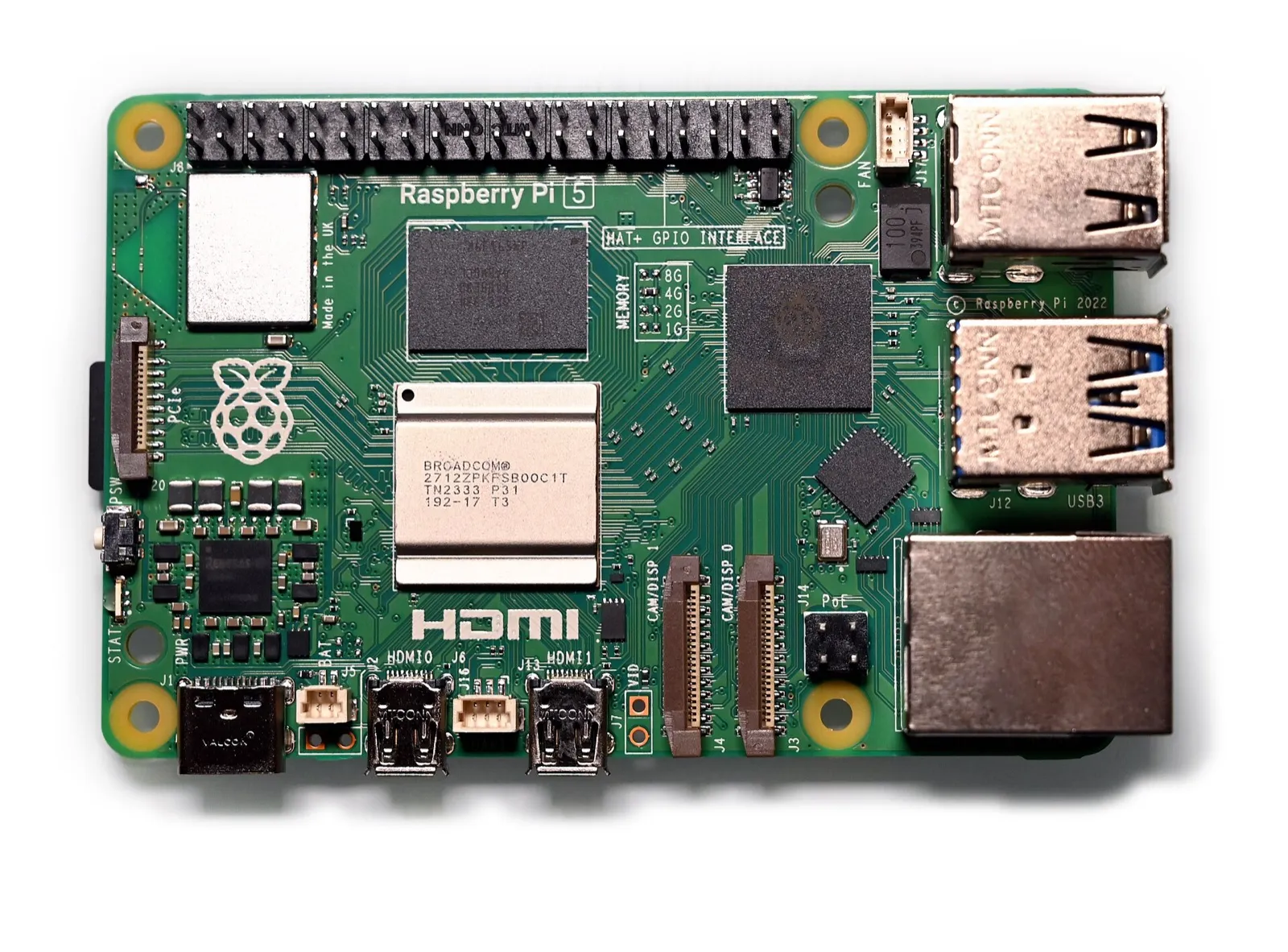 A Raspberry Pi 5 — a full Linux computer, just to switch a few plugs on and off. Photo: Simon Waldherr, CC BY 4.0.

The second problem is the interface. It’s overloaded and not especially friendly: to get a handle on automations I had to literally sit down and study the system. Home Assistant is enormous, and I use only a small slice of what it can do.
And the problem isn’t only me. Even once you’ve set everything up, that doesn’t mean your family can use it. You end up as the living “Siri” for your own home — the one person who remembers which button to tap to turn on the AC. A smart home that only one person in the family can operate isn’t very smart.
Apple Home — simple, but it barely automates
The obvious answer would be Apple Home. It’s simple, and the whole family already knows how to use it. But here the problem is reversed: it can barely do anything. Its automation is badly limited. Even something as simple as “switch the plug off half an hour after it turns on” is hard to build with the stock tools: Shortcuts is more a kit for short scenes than a real automation engine.
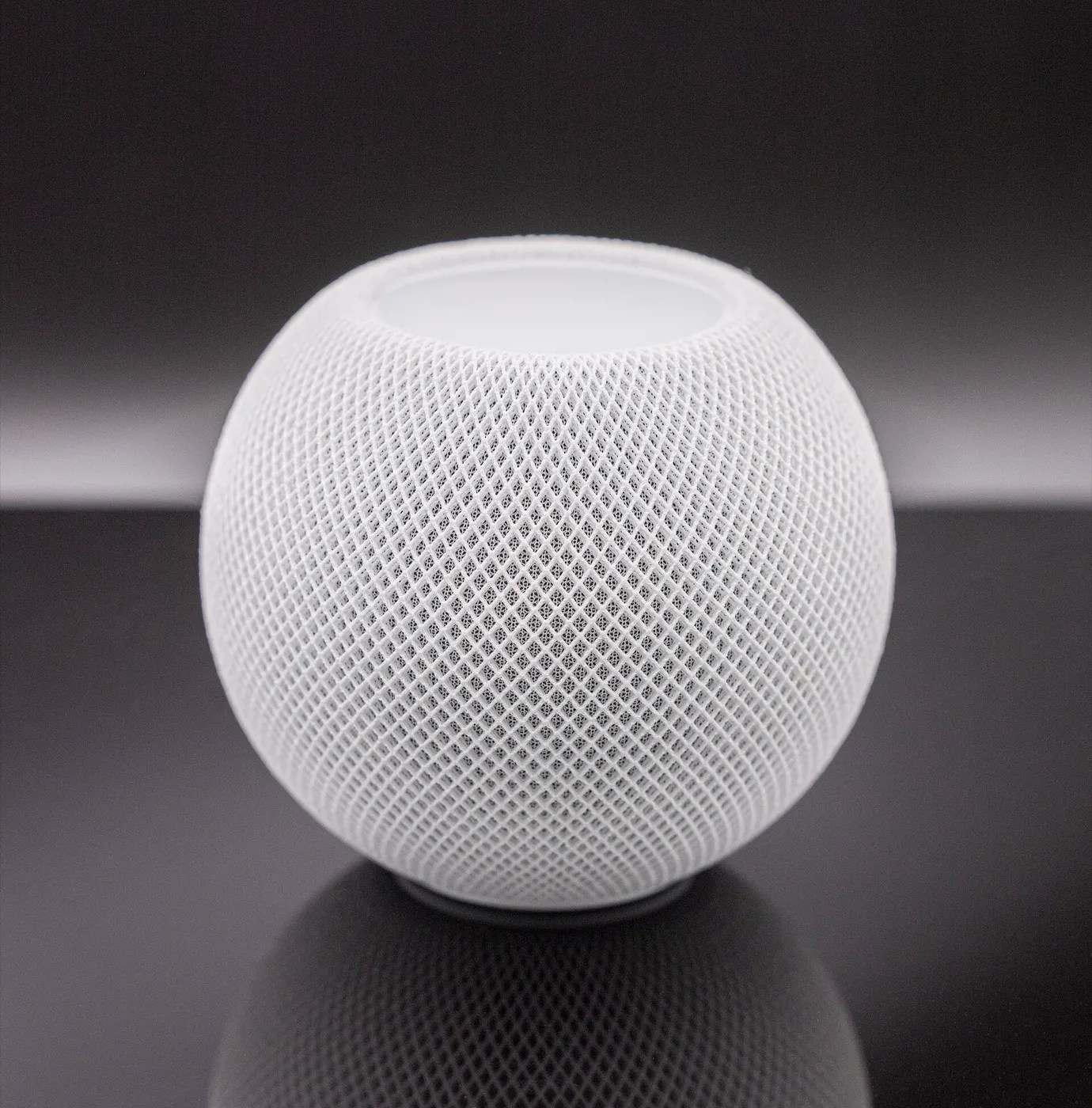 The HomePod mini: simple enough for the whole family — and barely able to automate. Photo: Arne Müseler / arne-mueseler.com / CC BY-SA 3.0.
However hard I tried, I never found a scenario I’d actually use regularly. And timers — the thing that could have been the most useful — don’t work the way I’d want. You have to build a delay out of the Wait action, in one-second steps. Try setting several hours that way. And it can’t guarantee the automation fires exactly after a set interval anyway.
IKEA — timers and schedules, but walled in
Curiously, the timers and schedules Apple Home lacks are right there in the IKEA app. It’s simple, and they all work. But there are two problems. First, it works well mostly with IKEA’s own range. Dirigera accepts Matter devices, but with limits: by IKEA’s own account, it mainly supports the device types the company sells itself. Second, even with its own devices things aren’t always stable: the hub hangs, forgets to turn something off, and so on. Step outside the lines and you’re up against the wall of your own ecosystem again.
The trilemma
So it’s a closed loop. Home Assistant can do almost anything but is too complex for the whole family to use day to day. Apple Home is simple and familiar but short on automation. IKEA offers convenient timers and schedules but is boxed into its own range and isn’t always reliable.
Each one covers a different corner. None of them covers all three.
One small box instead
I wanted something else: a small box that runs the home’s logic itself — rules, timers, schedules — and exposes simple control through the interfaces everyone already uses.
And for that, it turns out, you don’t need a full computer at €130–140. All of Keystone fits in three ESP32 modules: a brain on an ESP32-S3 at around €6, and two ESP32-C6 radio chips at €7–8 each. About €20–25 for all the hardware. Five or six times cheaper than a single Raspberry Pi, and with far lower power draw.
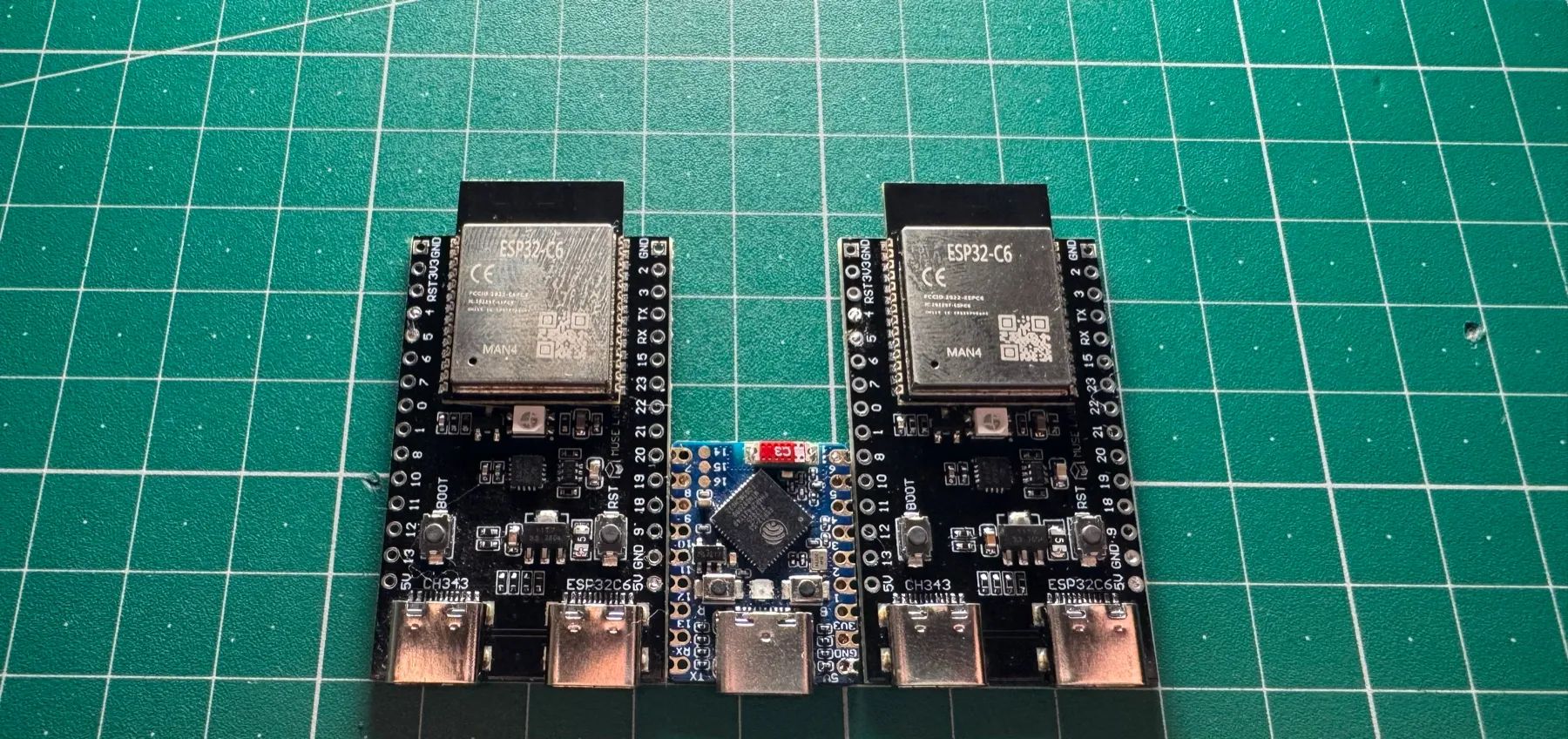 The future smart-home hub: three ESP32 chips, about €20–25 for all the hardware.
I wanted a small box that does exactly what I need — a device whose architecture I understand end to end, and that the whole family can use.
And that, really, is what annoys me about the whole smart-home industry. The technology has been maturing for years, yet beyond lighting there’s still little that’s genuinely smart. There isn’t enough simplicity and flexibility for anyone but an enthusiast — one willing to spend a weekend setting up yet another automation — to actually use it.
What I wanted
The list of requirements turned out quite short:
- No cloud. The home has to work without the internet. If Amazon goes down, the lights still have to come on.
- One box. The hub plugs straight into the wall. No separate Zigbee USB dongles, no Raspberry Pi. Just a small device.
- Apple Home for the family, my own app for me. The household controls devices through the familiar Apple Home — Matter is an open standard, no need to breed yet another app. I, meanwhile, want my own app for setup and control. And if I can make it simple enough, the whole family can use that too.
Architecture: a brain plus radios
The bet is on simple, cheap hardware. The ESP32 is a microcontroller costing a few euros — and, as it turns out, quite enough for a smart home.
We once sent a person into space with 4 KB of memory; holding 4 GB just to switch lamps on and off feels extravagant today. Especially when a few microcontrollers will do.
The core idea is to separate the home’s logic from the radio. One chip thinks; the rest only move data:
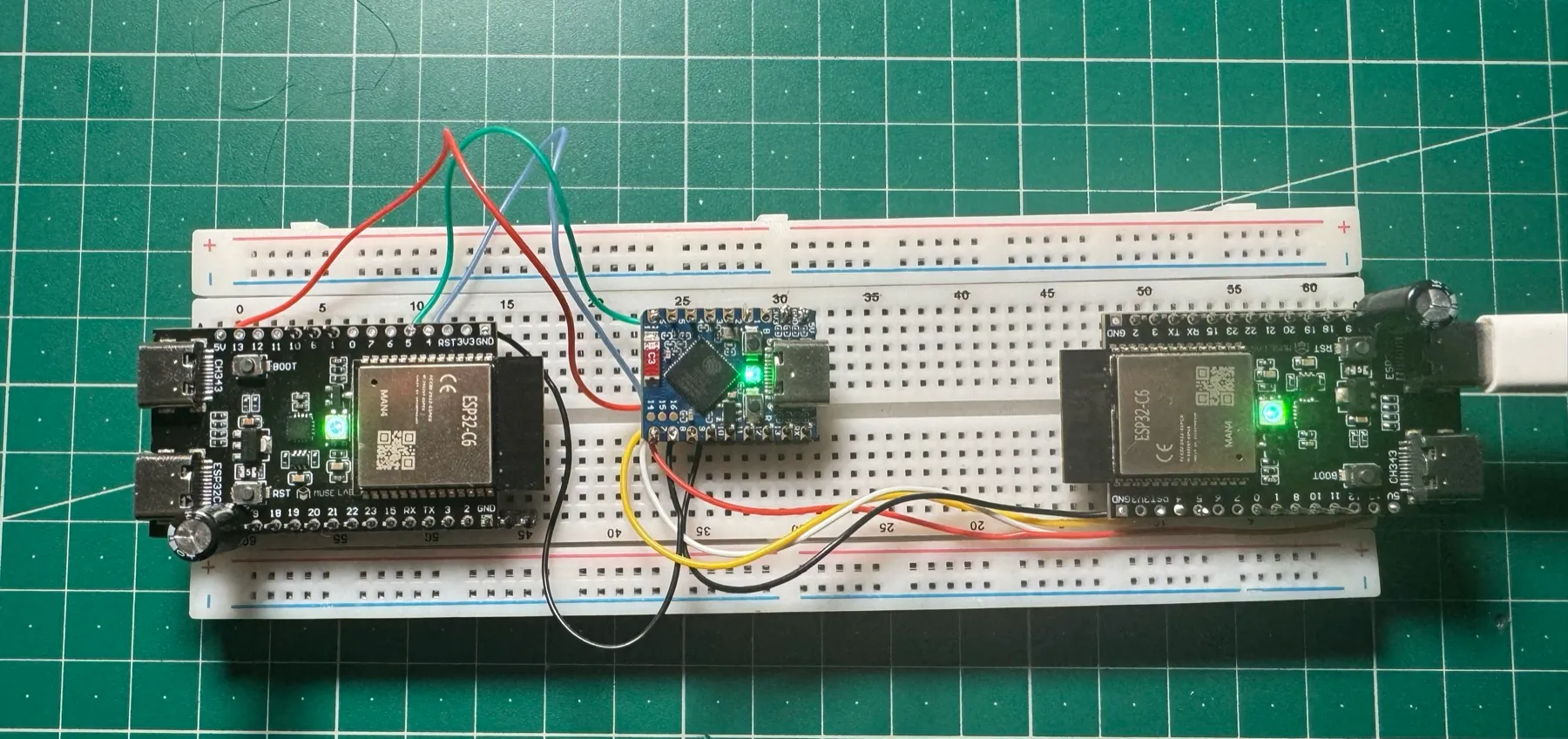 Keystone today: the ESP32-S3 Zero brain and its two ESP32-C6 radios, powered up and talking over UART on the bench.
The brain (ESP32-S3) knows about entities (a plug, a sensor), their states (on/off), and rules (for example: draw above 5 W — switch off). It does no radio work: no Zigbee SDK or Matter SDK inside the logic core. It can be built and tested on an ordinary laptop (CMake + doctest), without a single board.
The Zigbee chip (ESP32-C6) does only Zigbee. It translates Zigbee commands and
events into messages of the internal hubproto protocol and sends them to the
brain over UART.
The Matter chip (ESP32-C6) presents the brain’s entities as Matter Bridge devices. Thanks to that, Apple Home can see and control Zigbee devices through Matter.
Why: brain apart, radio apart
Splitting the brain from the radio chips isn’t just an implementation detail — it’s one of the architecture’s main principles. The hardware’s limits pushed me toward it first.
Zigbee and Thread use the same 802.15.4 radio. Multiprotocol solutions exist that let one radio serve both, but I chose not to complicate the architecture and to keep them separate. Each protocol gets its own chip and doesn’t get in the other’s way. Memory tells a similar story: full Matter and Zigbee stacks together with the home’s logic are too much for a small controller.
So you end up with three chips: one for logic, two for radio. But that split brings several extra advantages.
Portability. Radio stacks are huge and tied to a specific vendor.
esp-zigbee-sdk and esp-matter are large SDKs with their own toolchains and
dependencies. Keep the home’s logic away from them, and you can move it almost
anywhere.
The brain’s core compiles and runs its tests on an ordinary laptop (CMake + doctest), without a single board. If in a couple of years I want to move from the ESP32 to a Linux board or a different microcontroller, I won’t have to rewrite the rules, timers, and scenes. Only the platform layer and the transport change.
Resilience. A radio chip can be rebooted, updated over the air, or even lost entirely — the brain keeps working. It notices a chip restarting and rebuilds its picture of the world. For that, each radio chip has its own boot counter.
A new radio protocol — another Thread, Zigbee, or something else — can also be added as a separate chip, without touching the main logic.
Simple links. Between the brain and the radio chips there’s just a wire (UART) and a small binary protocol on top: a few header bytes, framing, and a checksum. How it works, and why I chose a binary format, is the subject of the next article.
What’s in the series
This article is an introduction to the project. Next I’ll take Keystone apart piece by piece and tell you how it all works inside:
- The protocol between chips — framing, checksum, and a compact binary format
- The brain’s logic — entity registry, states, rules, timers, schedules, and scenes
- Zigbee — how devices join the hub and exchange data with it
- Matter and the bridge into Apple Home — how Zigbee devices become visible through Matter-over-Thread
- The app and its protocol — WebSocket, TLS, and hub discovery on the local network
- Over-the-air updates (OTA) — how the brain updates the other chips’ firmware over the wire
- Remote access — connecting through a relay server when you’re away from home
- The road to a product — security, trust, and what’s still left to build
The whole project is open source: github.com/kliuchnikovv/keystone.